
Materials & Molds
Material Library
Managing saved materials and presets in Cimbra.
Material Library
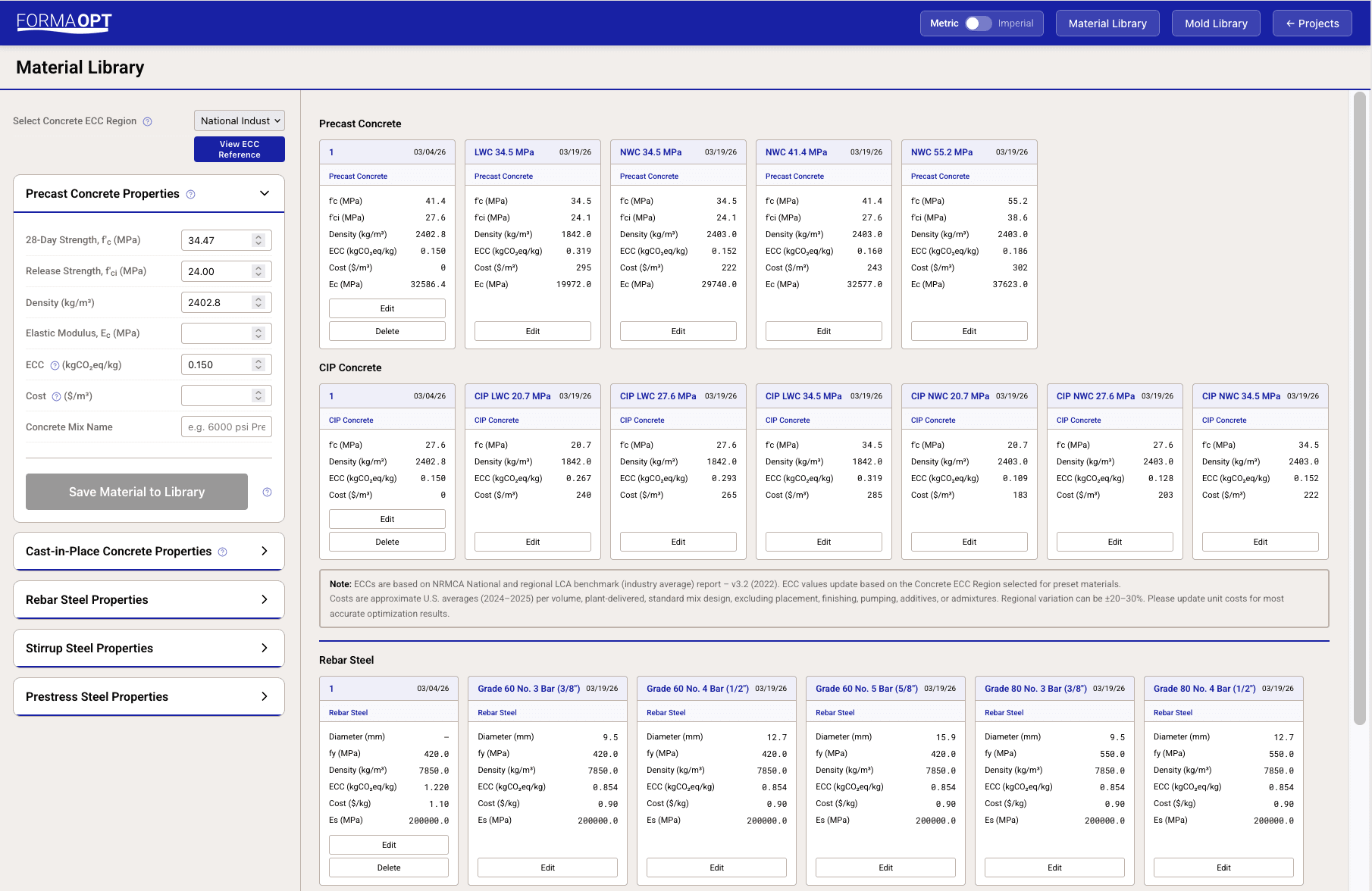
The Material Library lets you save and reuse material property sets across projects. Access it from the Material Library button on the Projects Dashboard.
Material Types
Cimbra supports five material types, each with its own set of properties:
| Type | Key Properties |
|---|---|
| Precast Concrete | f'c, f'ci (release), E, density, cost, ECC |
| CIP Concrete | f'c, E, density, cost, ECC |
| Rebar Steel | fy, E, density, cost, ECC |
| Stirrup Steel | Diameter, legs, fy, E, density, cost, ECC |
| Prestress Steel | fpu, fp01, E, density, cost, ECC |
Preset Materials
Cimbra comes with a library of standard ACI 318 materials pre-loaded. Presets:
- Cannot be deleted or modified directly
- Can be copied as a new custom material using Save as New
- Update automatically based on your selected ECC region
Custom Materials
To save a custom material:
- Open the Material Library
- Select a material type from the dropdown
- Enter all property values
- Click Save to Library
Custom materials can be edited or deleted at any time.
Using Materials in Projects
When configuring a project's material properties:
- Expand the material section (e.g., "Precast Concrete")
- Click the library dropdown to select a saved material
- All property fields auto-populate with the saved values
- You can still override individual values for this project without affecting the library entry